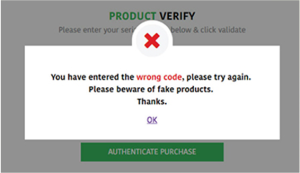
Verification
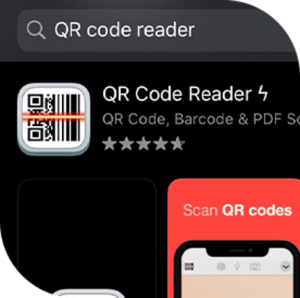
Step 1: Download your QR Reader
Acquire any of these readily available applications – QR code reader
Download QR code reader here



Step 2: Scan the QR code
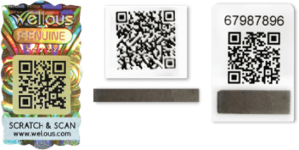
Scan the code displayed on the packaging/ Anti-Counterfeit barcode is shown behind the product packaging/ Only 3 attempts are allowed to run QR Scan.
There are 3 types of QR code as below:
Step 3: Wait for the reveal
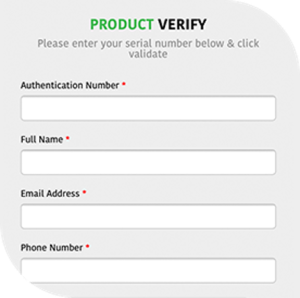
Authentication page will automatically load/You are required to fill in particular information/Key in security code – Only 1 attempt is given for code verification
You will see one of the 2 following message boxes after clicking “VERIFY”
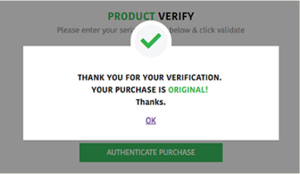
This message box will appear if your purchase is original